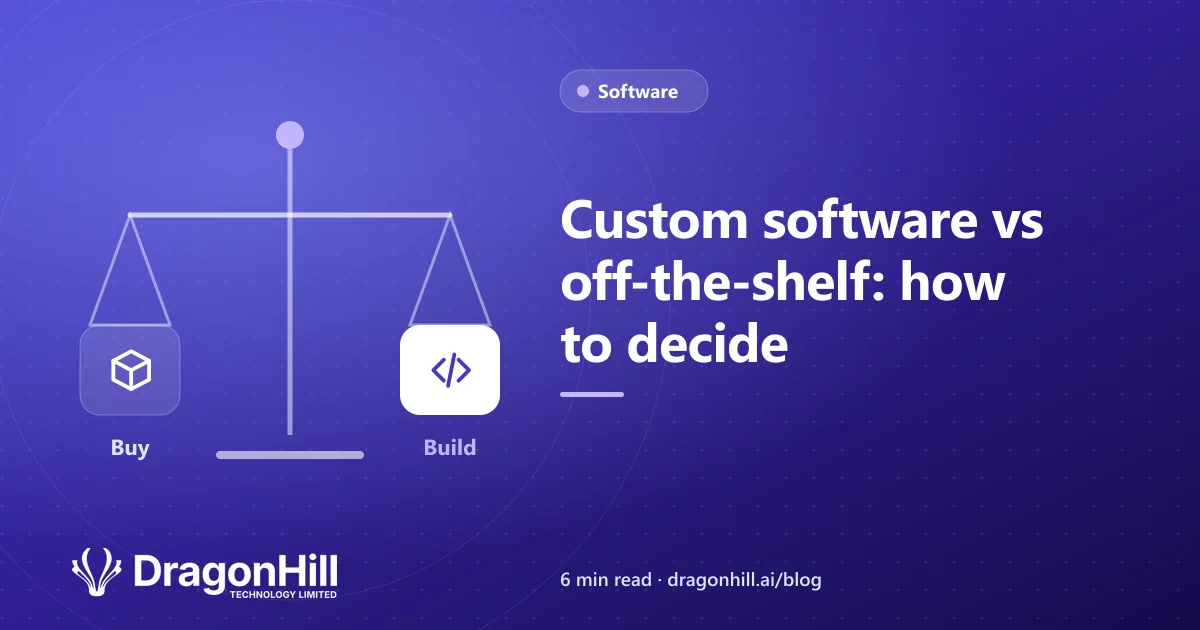
Sooner or later, most growing businesses hit the same question: should we buy software, or have it built? Both can be the right answer. Here’s a simple way to decide.
When off-the-shelf software is the right choice
Buy off the shelf when:
- The job is standard. Accounting, email, payroll and basic CRM are solved problems. Tools like Xero and Microsoft 365 do them well.
- It does 90% of what you need. Small gaps can often be filled with settings or an integration.
- You need it running quickly. Most products can be set up in days.
The catch is long-term fit. If you change how you work to suit the software, or pay for five tools and use a fraction of each, the costs show up in staff time.
When custom software makes sense
Custom software is worth considering when:
- Your process is what makes you different, and generic tools force workarounds.
- Information is typed into several systems, or lives in spreadsheets only one person understands.
- Licence costs keep growing as your team does.
- Clients keep asking for updates you could show them in a portal.
Comparing the real costs
| Off-the-shelf | Custom software | |
|---|---|---|
| Upfront cost | Low | Higher |
| Ongoing cost | Per-user subscriptions | Hosting and support |
| Time to start | Days | Weeks to months, in stages |
| Fit to your process | You adapt to it | Built around you |
| Ownership | You rent it | You own it |
Look at total cost over three to five years, including staff time spent on workarounds. That’s often where the decision becomes clear.
The best of both: a hybrid
For most businesses, the answer isn’t either-or:
- Keep off-the-shelf tools for standard jobs like accounting and email.
- Connect them so information flows without re-typing. Our guide to connecting Shopify to Xero is a common example.
- Build custom software only for the part of the business that makes you different.
Signs you’ve outgrown your current setup
- Reports take hours to put together.
- Several versions of the same spreadsheet exist (see spreadsheet to database: five signs it’s time to switch).
- Your team still uses paper in the field. A mobile app may help.
- Customers wait for information you already have.
How to reduce the risk of a custom build
- Start with the problem, not a feature list.
- Get a written quotation with scope, price and deadline.
- Build in stages, so you get value early.
- Insist on regular reviews. We meet clients every two weeks to show working progress.
- Make sure you own the code once paid for.
More in this series
- How much does it cost to build an app in NZ?
- Native vs cross-platform apps: which should you build?
- Mobile apps for field teams: offline, photos and sign-off
- How agile two-week sprints keep a software project on track
- What a software quotation should include before you sign
Not sure which way to go? We’ll give you an honest answer, even if it’s “buy something off the shelf”. See our custom software development service or book a free scoping call.