When you plan a mobile app, one of the first technical decisions is how to build it: native (separate apps for iPhone and Android) or cross-platform (one app that runs on both). It affects cost, timeline and how easy the app is to maintain.
What’s the difference?
- Native apps are built separately for each platform: Swift for iOS, Kotlin for Android. Two codebases, often two sets of developers.
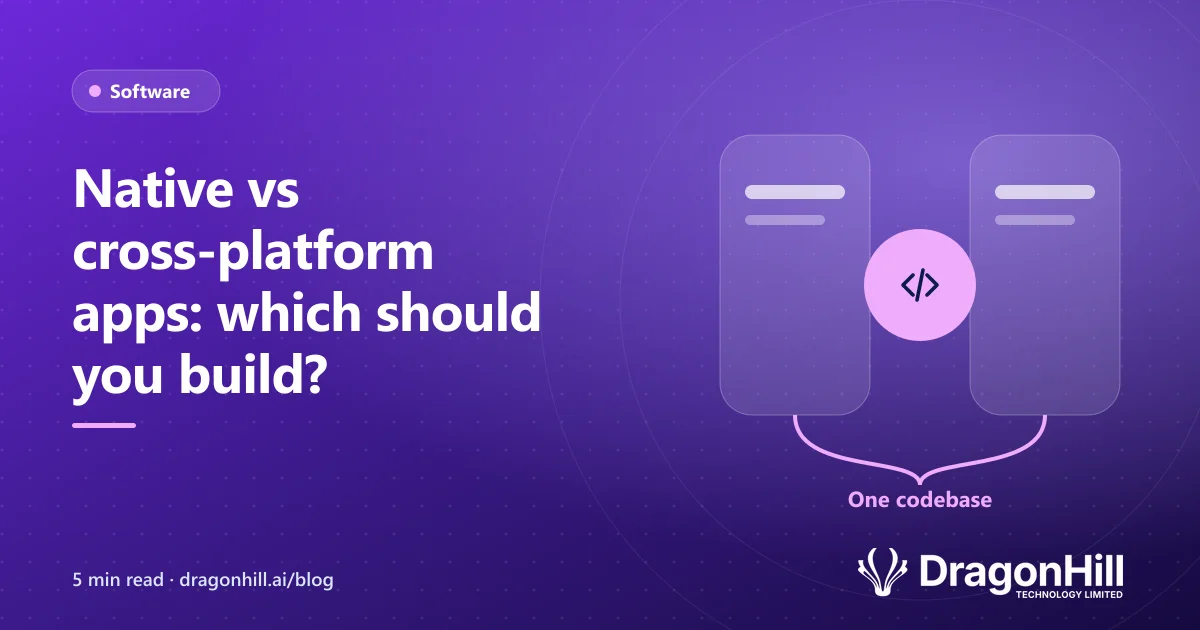
- Cross-platform apps are built once using a framework such as React Native or Flutter, then run on both iOS and Android.
Side by side
| Native | Cross-platform | |
|---|---|---|
| Codebases | Two (iOS and Android) | One |
| Cost to build | Higher | Usually lower |
| Time to launch | Longer | Shorter |
| Performance | Best possible | Excellent for most business apps |
| Access to device features | Full | Camera, GPS, notifications, offline and more |
| Ongoing maintenance | Two apps to update | One app to update |
When native makes sense
- Graphics-heavy games or animation.
- Apps that rely on the newest platform features on day one.
- Advanced camera, audio or augmented reality work.
When cross-platform is the better choice
For the majority of business apps, such as field service apps, booking apps, member apps and staff tools, cross-platform is the sensible choice. You get one app on both stores, built faster and maintained more cheaply, with photos, GPS, push notifications and offline mode all available.
Our guide to what an app costs to build in NZ explains how this choice affects your budget, and mobile apps for field teams covers the features field teams rely on.
A third option: a web app
If people mainly use the app at a desk, or you don’t need it in the app stores, a mobile-friendly web app may do the job for less. See custom software vs off-the-shelf.
Not sure which approach fits? We’ll recommend the simplest option for your users and budget. See our mobile app development service or book a free scoping call.