Paper job sheets, photos lost in personal phones and invoices typed up after hours cost field teams hours every week. A good field app fixes that, but only if it’s built for real conditions on site.
The features that matter
Offline mode
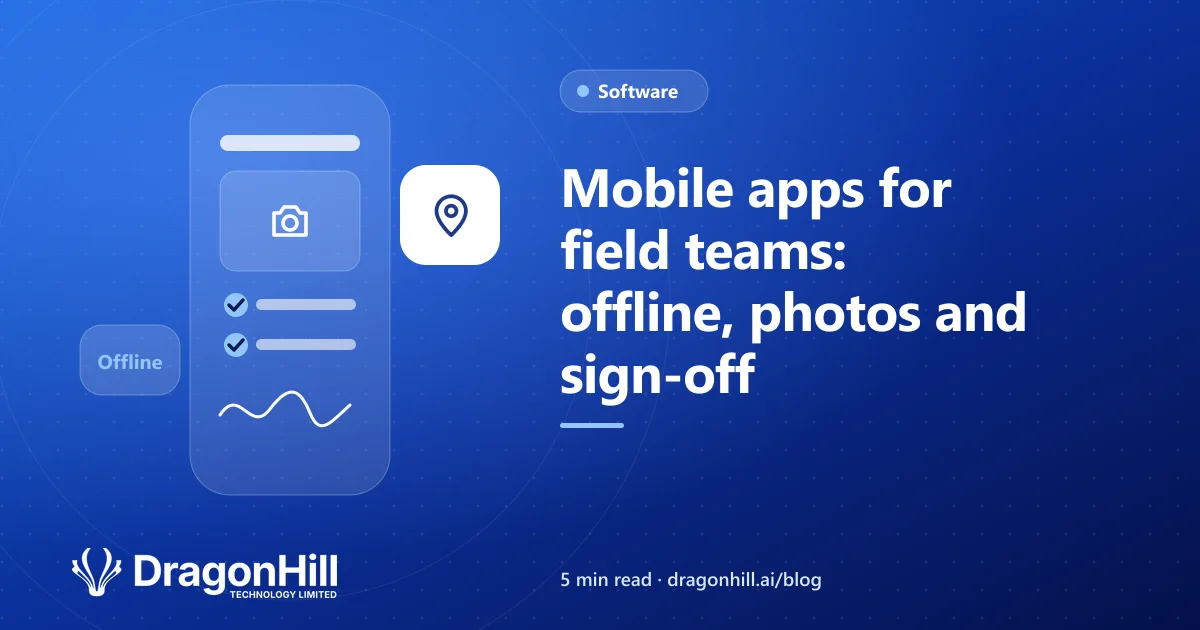
Sites often have poor coverage. The app should keep working without signal and sync when it’s back.
Job details in one place
Address, customer, notes, history and safety information, available before the team arrives.
Photos attached to the job
Before-and-after photos saved straight to the job record, not someone’s camera roll.
Checklists and forms
Safety checks, inspection forms and compliance records filled in on the phone, with required fields so nothing is missed.
Customer sign-off
A signature on the screen when the job is done, with a copy emailed to the customer.
Time and materials
Hours and materials recorded as the job happens, ready for invoicing.
Sync with the office
Completed jobs flow back to the office, and invoices can be created in Xero automatically.
Buy or build?
Off-the-shelf job management apps suit many trades businesses. A custom app makes sense when your forms, workflows or reporting are specific to you, or you need it to connect with your own systems. Read custom software vs off-the-shelf to decide.
How it’s built
Most field apps are built cross-platform, so one app runs on iPhone and Android. See native vs cross-platform apps and what an app costs to build in NZ.
Still on paper job sheets? See how we help trades and construction businesses, or our mobile app development service.