Every business has tasks that follow the same steps every time. Those are the ones to automate first. You don’t need AI for most of them; simple automation between the apps you already use often saves hours a week.
1. New enquiries
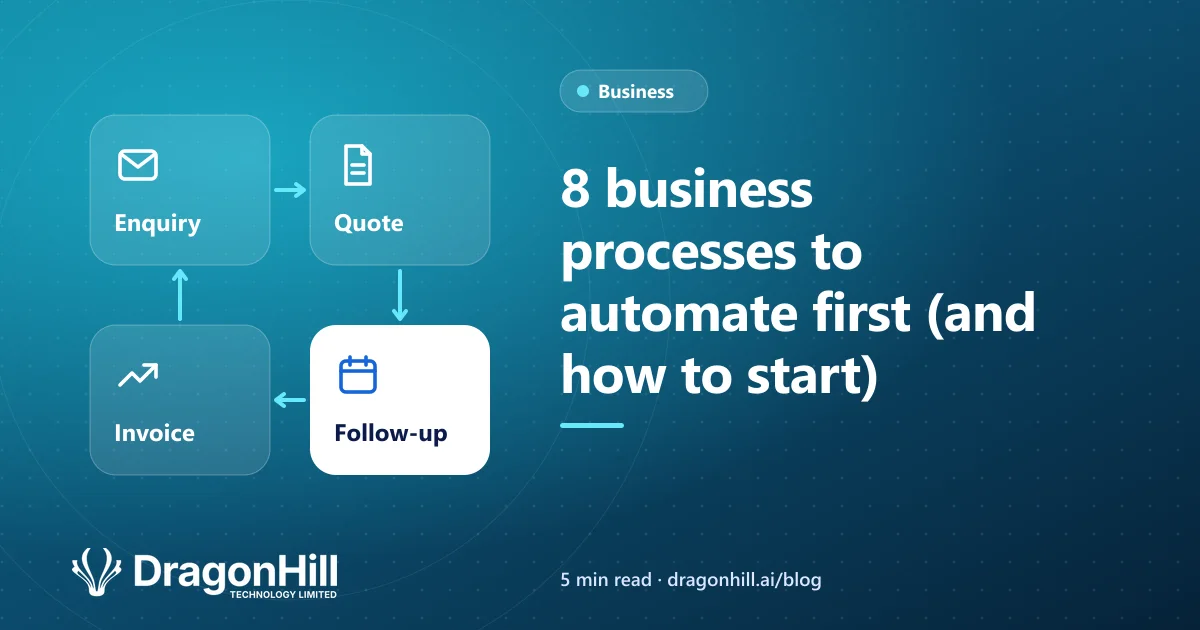
Send every enquiry from your website, email or Facebook into one place, with an instant acknowledgement to the customer and a notification to the right person.
2. Quotes and follow-ups
Create quotes from a template, send them automatically, and schedule a follow-up if there’s no reply after a few days.
3. Invoices and payment reminders
Create invoices in Xero when a job is marked complete, and send polite reminders before and after the due date.
4. Client onboarding
Send welcome emails, forms and documents automatically when a new client signs, and set up their records in every system at once.
5. Data entry between apps
If your team copies information from one system to another, connect the systems instead. This is often the biggest single time saving.
6. Approvals
Route requests such as purchases, leave or quotes to the right person, with reminders so nothing sits waiting.
7. Reports
Pull numbers from your accounts, store and job systems into a report that arrives in your inbox every Monday.
8. Customer updates
Let customers know automatically when an order ships, a job is booked, or an appointment is coming up.
How to choose what to automate
Score each task on two things: how often it happens and how many minutes it takes. Start with tasks that are frequent, rule-based and annoying.
Which tools to use
| Tool | Best for |
|---|---|
| Power Automate | Businesses using Microsoft 365 |
| Zapier or Make | Connecting popular cloud apps quickly |
| Custom integration | Reliable, high-volume or complex processes |
| AI agent | Tasks that involve reading or writing, like emails and documents |
When a task needs judgement, such as reading a supplier bill or replying to a customer, that’s where an AI agent helps. Read what an AI agent is and 10 admin jobs an AI agent can take on.
Want to know what you could automate? See our business automation service, or book a free scoping call and we’ll help you find the quickest wins.